
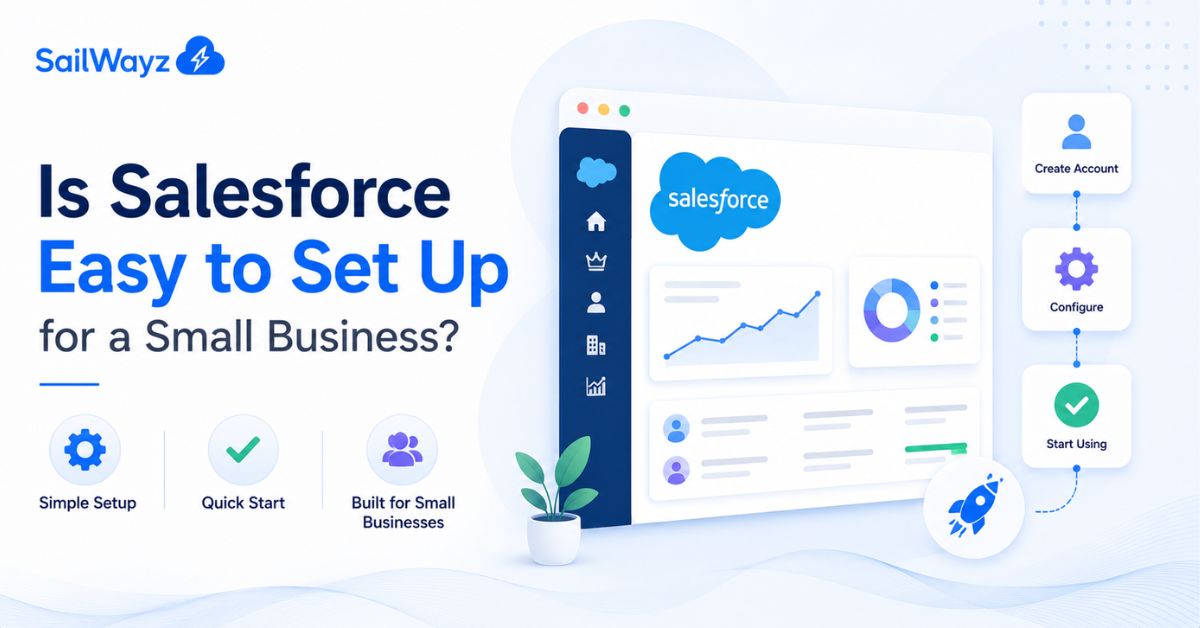
Salesforce has a reputation, and it’s not always a flattering one. Ask around and you’ll hear stories about massive rollouts, months of setup, and consultants charging by the hour for weeks on end. So it’s a fair question to ask before you commit: is Salesforce set up for small businesses actually manageable, or are you signing up for more than you bargained for? The honest answer is that it depends on which version you’re setting up and how much you’re trying to do with it on day one.
For a small business using the Starter Suite, yes, Salesforce is genuinely easy to set up. Salesforce built this edition with guided, step-by-step onboarding specifically so a small team can get a working CRM running in a matter of minutes, not weeks.
That’s very different from a full Enterprise or Unlimited setup, which is built for larger, more complex operations and usually takes weeks or months with proper planning. The confusion around “Salesforce is hard to set up” mostly comes from people picturing that bigger, more complex build, not the small business tools Salesforce actually recommends for teams your size.
A few things work in your favour if you’re setting up Salesforce as a small business:
Independent software review sites back this up. User feedback on Starter Suite points to easy implementation as one of its strongest points, with businesses able to get up and running quickly and without much training needed to start producing usable reports.
Setup being easy doesn’t mean every small business gets it right the first time. The trouble usually shows up in a few predictable places:
None of these are Salesforce being difficult. They’re setup choices, and they’re avoidable with a bit of planning before you start clicking through the onboarding checklist.
For a small team using Starter Suite with clean data and realistic goals, a working setup can be running within a single day, sometimes within an hour for the basics like contacts, leads, and a simple pipeline. Larger or more customised builds, even for small businesses that want deeper automation or multiple connected tools, tend to take a few weeks rather than days.
The honest rule of thumb: the more you try to do on day one, the longer setup takes. Starting simple and adding features as you actually need them keeps things moving fast.
Plenty of small businesses do set Salesforce up on their own using the guided checklist, and for a straightforward contact and lead management setup, that’s often enough. Where outside help tends to pay off is when:
At Sailwayz, we work with small businesses that want a Salesforce setup for small businesses that actually fits how their team operates, not just a default install. That usually means spending time upfront understanding the sales process before touching any settings, so the system feels familiar rather than like extra admin work. For a business that wants to get it right the first time and avoid the common early mistakes, a short setup call with a Salesforce consultant is often worth more than the time it saves.
Is a Salesforce consultant easy to set up for a small business? For the tools built with small teams in mind, yes, genuinely so. The guided onboarding, free trial, and simple pricing make it one of the more approachable CRM options on the market today. The parts that go wrong usually come down to messy data, picking too many features too soon, or skipping training, not the platform itself. Start small, keep your data clean going in, and add complexity only once your team is comfortable with the basics.
Can I set up Salesforce myself without hiring a consultant?
Yes, for a basic Starter Suite setup. The guided checklist covers contacts, leads, and a simple pipeline well enough for most small teams to manage without outside help.
How long does it take to set up Salesforce for a small business?
A simple Starter Suite setup can be running within a day, sometimes within an hour for the basics. More complex builds with extra tools connected usually take a few weeks.
Do I need technical skills to set up Salesforce?
No. Most of the setup happens through menus and guided steps rather than code, which is exactly why Salesforce built the Starter Suite the way it did for small teams.
What’s the biggest mistake small businesses make when setting up Salesforce?
Importing messy or duplicate data without cleaning it first. Salesforce will store it exactly as it comes in, so a bit of tidying beforehand saves a lot of confusion later.
Is the free Salesforce plan good enough for a small business, or do I need to pay?
The Free Suite works for very small teams with basic needs, up to two users. Most growing small businesses move to the Starter Suite fairly quickly for unlimited users and more built-in automation.




Joshua Eze is the Founder & Salesforce Architect at Sailwayz, a certified Salesforce Consulting Partner based in the UK. With over 6 years of experience leading CRM transformations, he is a certified Application & System Architect passionate about using technology to simplify business processes. Joshua helps companies unlock the full potential of Salesforce with strategic, scalable, and secure solutions.
