
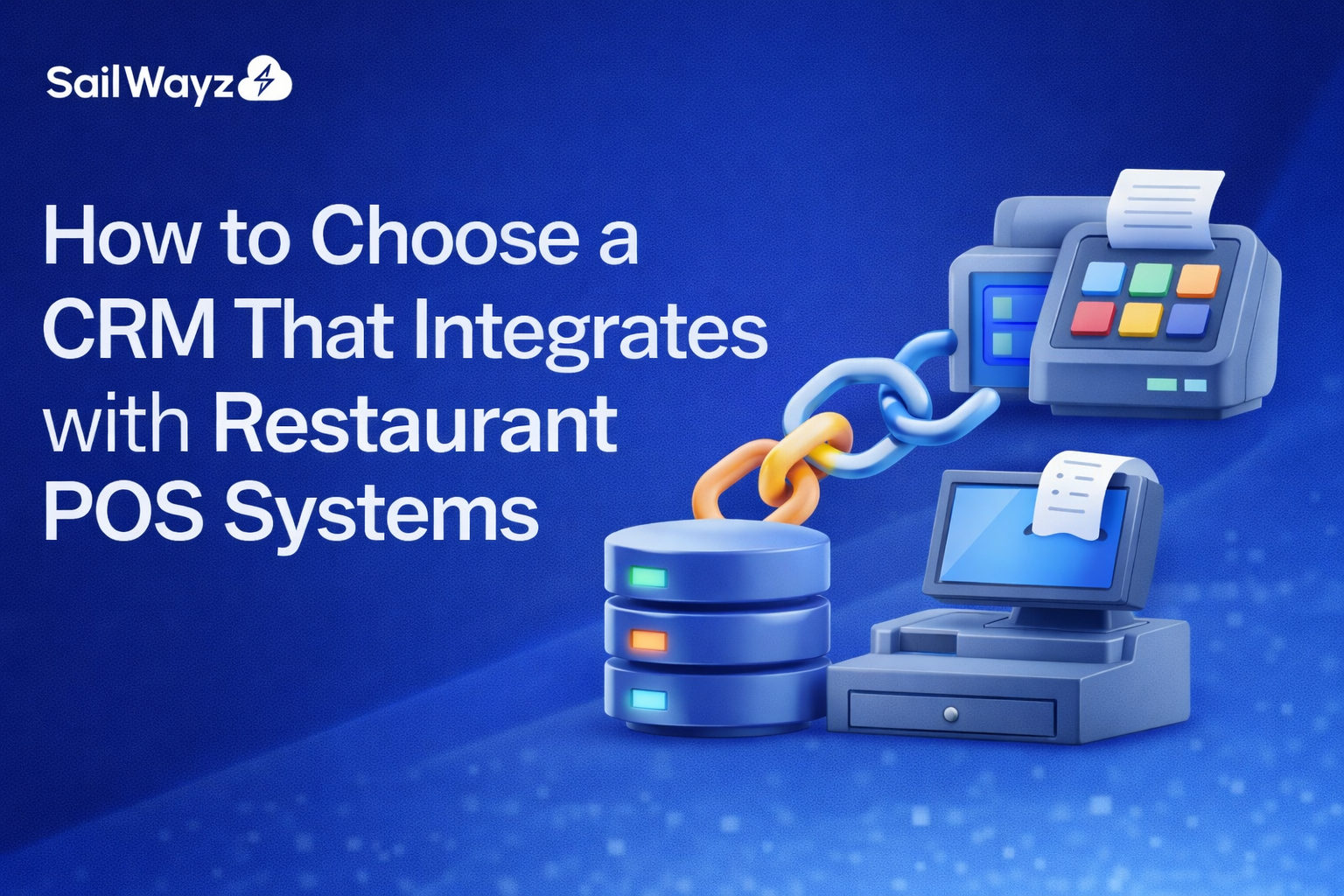
Running a restaurant means juggling reservations, customer preferences, loyalty programmes, and sales data. When your customer relationship management (CRM) software doesn’t talk to your point-of-sale (POS) system, you lose time, revenue, and opportunities to build lasting relationships with diners.
Choosing the right CRM for restaurant POS integration can transform how you serve customers and run your business. This guide walks you through what matters most when selecting a system that brings these two platforms together.
Your POS system captures every transaction, from the prawn cocktail starter to the third round of drinks. Your CRM tracks customer contact details, dining preferences, and marketing engagement. When these systems work independently, your staff waste hours manually transferring data between platforms.
Integration solves this problem by creating a single source of truth. Transaction data flows automatically from your POS into your CRM, giving you a complete picture of each customer’s relationship with your restaurant. You can see who orders takeaway every Friday, which regulars prefer window seats, or who always books for anniversaries.
This connection helps you send personalised offers that actually convert. Rather than blasting generic promotions to everyone on your mailing list, you can target vegetarians with a new plant-based menu or invite your top spenders to an exclusive wine tasting.
Some CRMs offer native integration with popular restaurant POS systems. These built-in connections typically provide smoother data flow and require less technical maintenance. Native integrations often update automatically when either system releases new features.
Third-party integration tools can bridge gaps when native options don’t exist. Platforms like Zapier or custom API connections work well but may need more ongoing attention from your team or an IT consultant.
Check which POS systems your CRM supports before committing. If you run Toast, Square, or Lightspeed, confirm the CRM has proven integration with your specific POS version.
Delayed data creates problems. When a customer makes a reservation through your website, that information should appear in your CRM and POS immediately. Staff need current information to greet guests by name, note dietary restrictions, or acknowledge a birthday celebration.
Look for systems that sync data in real time or near real time. Batch updates that run once daily leave too much room for confusion and missed opportunities.
Different restaurants need different information. A fine dining establishment might track wine preferences and special occasion dates. A quick-service restaurant chain focuses on mobile app usage and frequent order patterns.
Your integrated system should capture and share these data points:
Ask potential vendors to demonstrate exactly which fields transfer between systems. Generic demos often look impressive but miss the specific details your restaurant needs.
The best system in the world fails if your team won’t use it. Front-of-house staff need quick access to customer information during busy service periods. They won’t tolerate slow loading times or complicated navigation.
Request trial access for your team before purchasing. Have hosts, servers, and managers test the interface during a typical shift. Their feedback matters more than feature lists on a sales page.
Your CRM should trigger campaigns based on POS data. When someone hasn’t visited in 60 days, send a “we miss you” offer automatically. After a first-time visit, welcome them with details about your loyalty programme.
Birthday and anniversary reminders work brilliantly when your system knows these dates and can send personalised messages without manual intervention.
Integration lets you award points automatically at the POS and track redemptions through your CRM. Customers see their balance update immediately after each visit, encouraging return trips.
Some systems let you segment loyalty members by spend level, offering premium perks to your most valuable guests.
When your CRM connects to your POS and booking system, you gain powerful capabilities. Staff can see a guest’s order history when they call to book. They know Mrs. Patel always requests a quiet table or that the Johnson family needs a high chair.
This information turns good service into exceptional hospitality that customers remember and recommend.
Combined data from your POS and CRM reveals patterns you’d never spot looking at each system separately. You might discover that email subscribers spend 40% more than walk-ins, or that lunch customers who join your app become regular dinner guests.
These insights guide menu development, staffing decisions, and marketing spend.
CRM systems vary wildly in price. Some charge per user per month. Others bill based on contact numbers or transaction volume. Factor in setup costs, training time, and ongoing support when calculating total expense.
As a Salesforce consulting partner, Sailwayz helps restaurants evaluate CRM pricing models within the Salesforce ecosystem, ensuring you choose a solution that fits both your operational needs and long-term growth plans., whether you operate a single location or manage multiple venues.
Today you might run two restaurants. In three years, you could have six. Choose a CRM that grows without forcing you to migrate to a different platform later.
Ask about multi-location features, user limits, and whether pricing jumps dramatically as you expand.
Integration issues will arise. When they do, you need responsive support. Check whether vendors offer phone support, live chat, or email-only assistance. Read reviews about actual response times, not promises in the sales material.
Some providers, like Sailwayz, a Salesforce-focused CRM consultancy, specialise in personalised consultations and ongoing support—helping restaurants configure Salesforce CRM integrations without leaving teams to handle complex technical challenges alone. helping you unlock the full potential of integrated systems without leaving you to figure out technical problems alone.
Restaurant systems store sensitive customer information, including payment card details and personal preferences. Your integrated CRM must comply with data protection regulations and PCI DSS standards for payment information.
Ask about encryption, access controls, and how the system handles customer data deletion requests under GDPR or similar regulations.
Without proper field mapping, you might end up with multiple customer records for the same person. This happens when someone uses different email addresses for reservations versus online orders.
Quality CRM platforms include duplicate detection and merge functions. Test these features during your trial period.
New systems disrupt established workflows. Plan adequate training time for all staff who will use the integrated platform. Video tutorials help, but hands-on practice sessions work better for most teams.
Consider phased rollout, starting with one location or department before expanding across your operation.
Moving existing customer records from your old system into a new integrated platform takes planning. Some data will transfer cleanly. Other information might need manual cleanup or formatting changes.
Budget time and potentially external help for this migration. Rushed data transfers create ongoing problems that take months to fix.
Start by documenting your current processes. Map how customer information moves through your restaurant now, from first contact to repeat visit. Identify bottlenecks, duplicate entry points, and information gaps.
This exercise clarifies what you need from integration and helps you evaluate whether potential solutions address your specific pain points.
Next, create a shortlist of CRM platforms that integrate with your POS system. Request demonstrations focused on your requirements rather than generic feature tours.
Involve staff from different roles in the evaluation process. Hosts, servers, marketing staff, and managers all interact with customer data differently. Their perspectives help you choose a system that works for everyone.
Sailwayz offers Salesforce-based CRM strategies tailored for restaurant operations, combining POS data, customer insights, and automation within the Salesforce platform to improve guest engagement without adding system complexity, not just technical specifications. This consultative approach ensures you select integration that genuinely improves customer relationships rather than adding complexity.
Set clear metrics before launching your integrated system. You might measure reduction in manual data entry time, increase in repeat visit rates, or improvement in targeted marketing response rates.
Track these numbers monthly. Successful integration should show measurable results within three to six months. If you’re not seeing improvements, investigate whether staff need additional training or if system configuration needs adjustment.
Remember that technology serves your hospitality goals. The right CRM for restaurant POS integration should make it easier to know your customers, anticipate their needs, and create memorable dining experiences that keep them coming back.
What does CRM integration with restaurant POS actually mean?
CRM integration with restaurant POS connects your sales system with your customer relationship platform, automatically sharing transaction data, customer preferences, and visit history. This eliminates manual data entry and gives staff immediate access to guest information, enabling personalised service and targeted marketing based on actual dining behaviour and spending patterns.
How much does integrated CRM software cost for restaurants?
Pricing varies from £50 to £500+ monthly depending on restaurant size, user numbers, and features needed. Some vendors charge per location or per contact. Calculate total costs including setup fees, training, and ongoing support. Small restaurants typically spend £100-200 monthly whilst multi-location groups may invest £1,000+ for enterprise solutions.
Can I integrate CRM with my existing POS system?
Most modern POS systems offer integration capabilities through APIs or third-party connectors. Check your POS provider’s partner directory for compatible CRM platforms. Popular systems like Toast, Square, and Lightspeed typically support multiple CRM integrations. Older legacy POS systems may require custom development or middleware solutions.
How long does CRM and POS integration take to implement?
Basic integration typically takes 2-4 weeks including setup, data migration, and staff training. Complex multi-location implementations may need 6-12 weeks. Timeline depends on data quality, customisation requirements, and staff availability for training. Phased rollouts help minimise disruption to daily operations whilst ensuring proper adoption.
What happens to my customer data if I switch CRM systems?
Reputable CRM providers let you export customer data in standard formats like CSV when you leave their platform. Plan data migration carefully, including field mapping and duplicate resolution. Most customers retain data ownership under UK data protection laws. Back up all information before beginning migration to a new system.

Joshua Eze is the Founder & Salesforce Architect at Sailwayz, a certified Salesforce Consulting Partner based in the UK. With over 6 years of experience leading CRM transformations, he is a certified Application & System Architect passionate about using technology to simplify business processes. Joshua helps companies unlock the full potential of Salesforce with strategic, scalable, and secure solutions.
